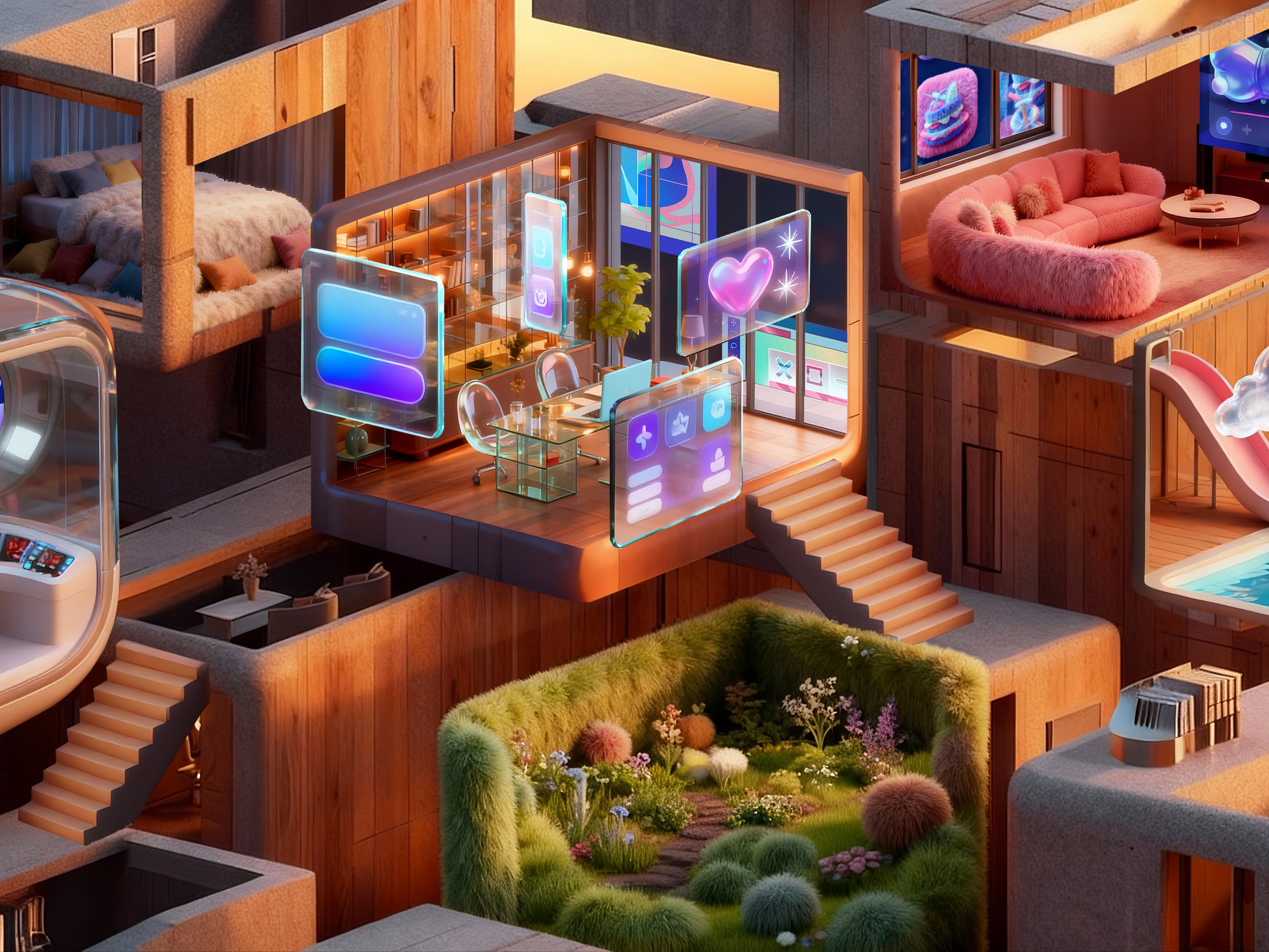
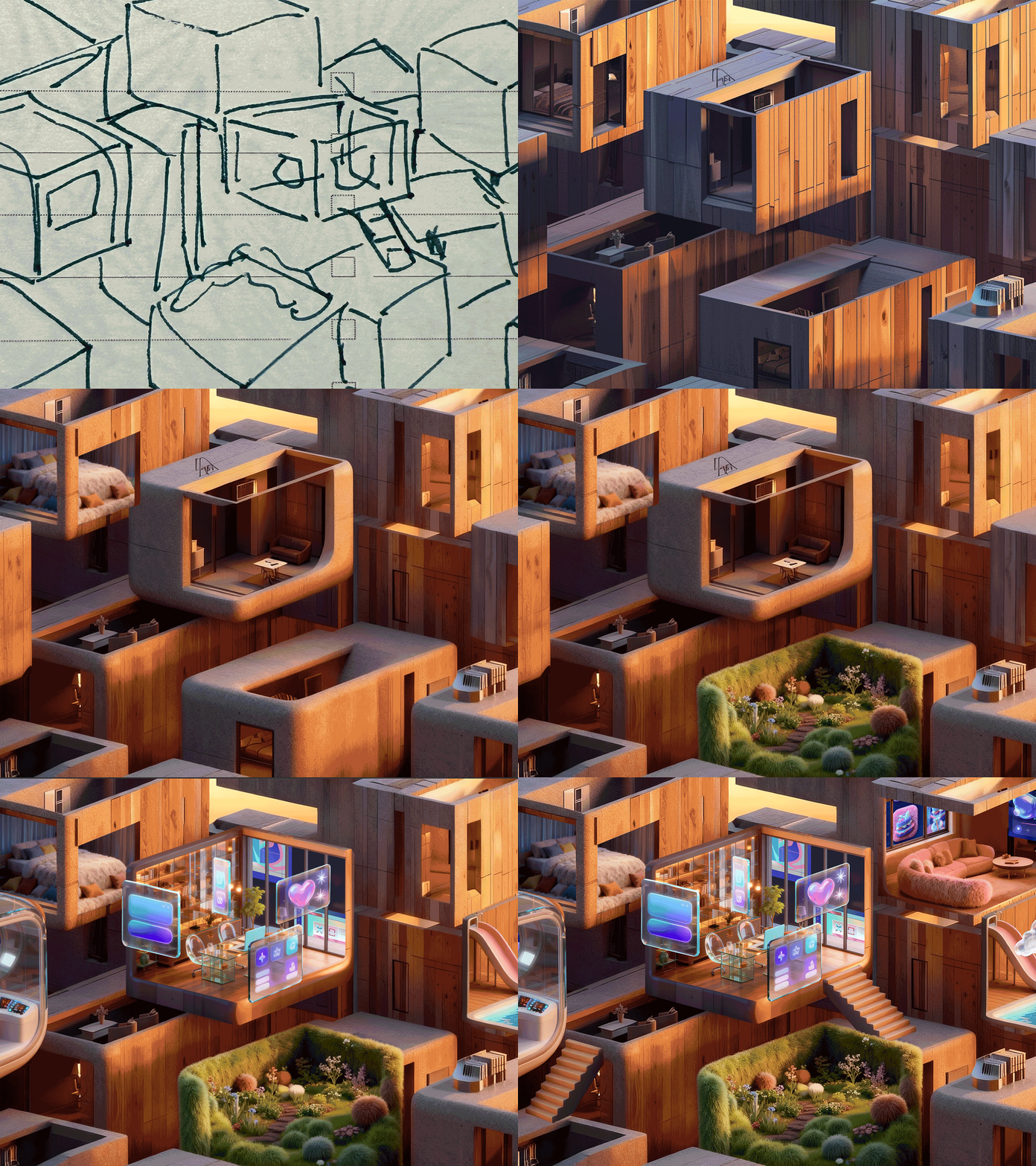
01. Project Overview
Title: A "Furry" Christmas Surprise (毛绒绒的圣诞惊喜)
Subtitle: An experiment in speed, style consistency, and the synergy between AI and human creativity.
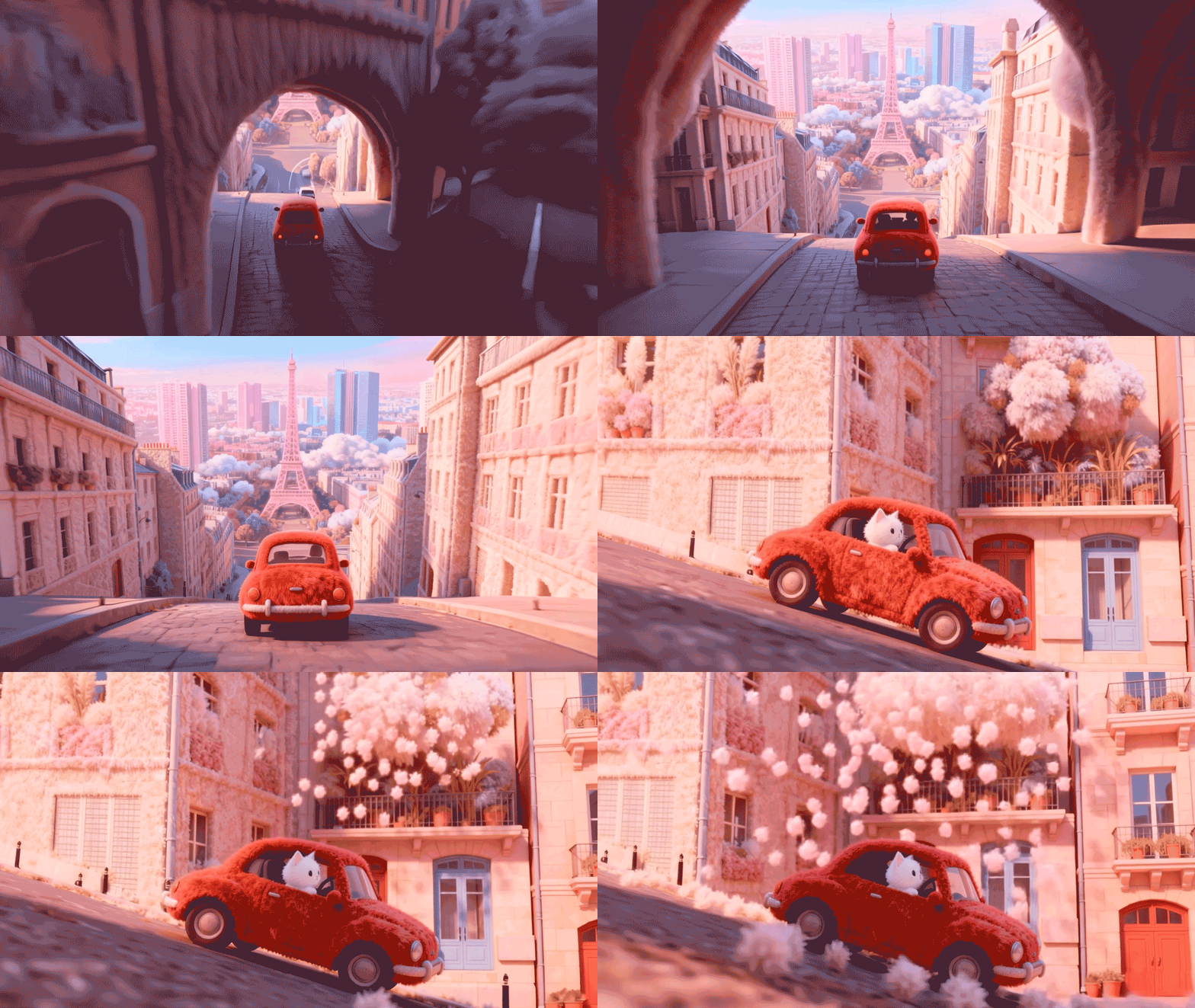
The Brief: For this holiday season, I wanted to create a heartwarming, hyper-realistic "fluffy" 3D animation featuring a little white cat delivering joy. The challenge? To complete the entire production—from storyboard to final export—in just 6 hours.
The Result: A seamless animation that looks like it took weeks of 3D rendering, but was actually powered by a custom AI pipeline and polished with professional post-production.
02. The Workflow
"AI isn't a magic button; it's a powerful brush. Here is how I orchestrated 5 different AI tools to bring my storyboard to life."
Step 1: Ideation & Storyboarding (The Blueprint)
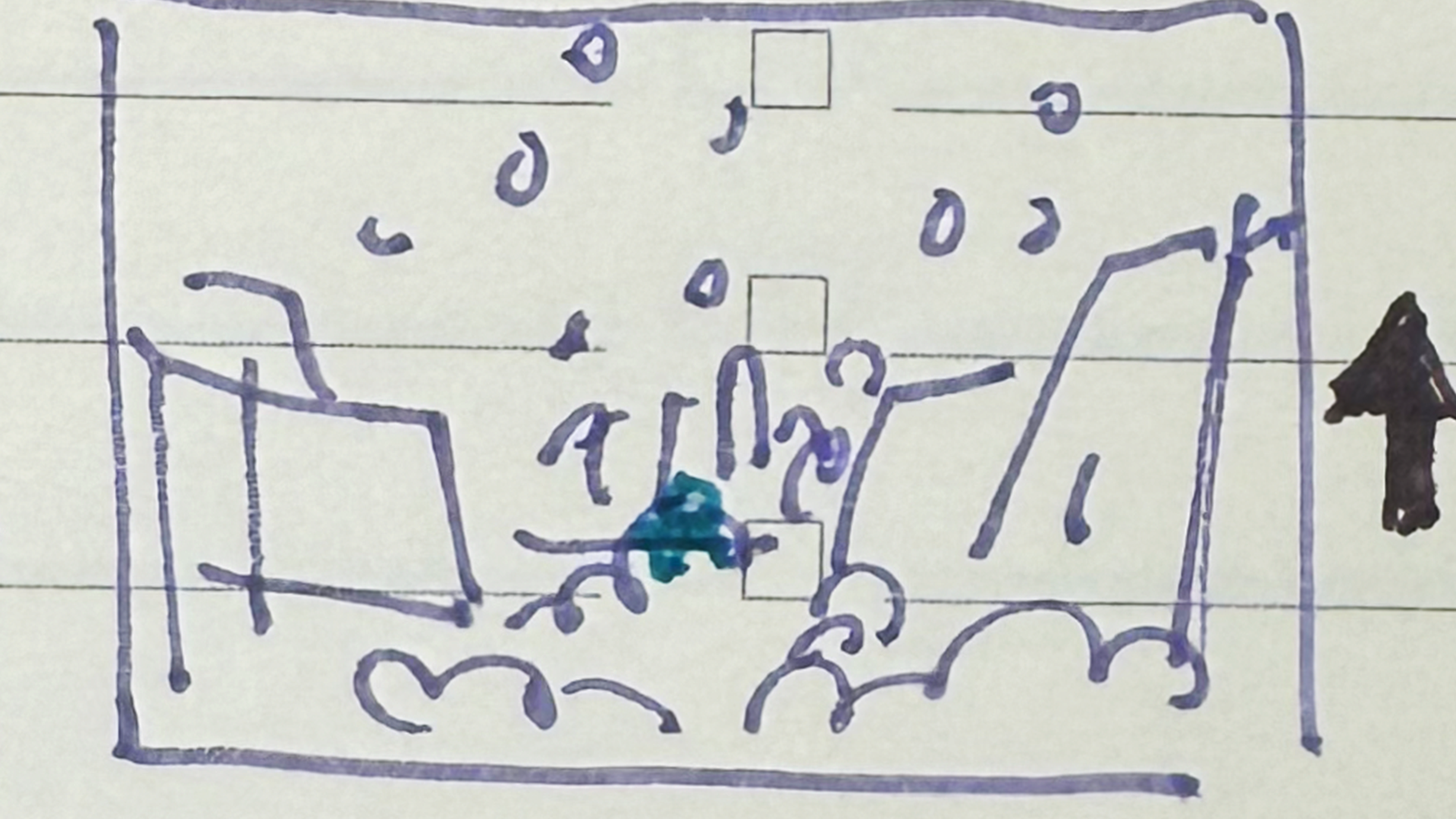
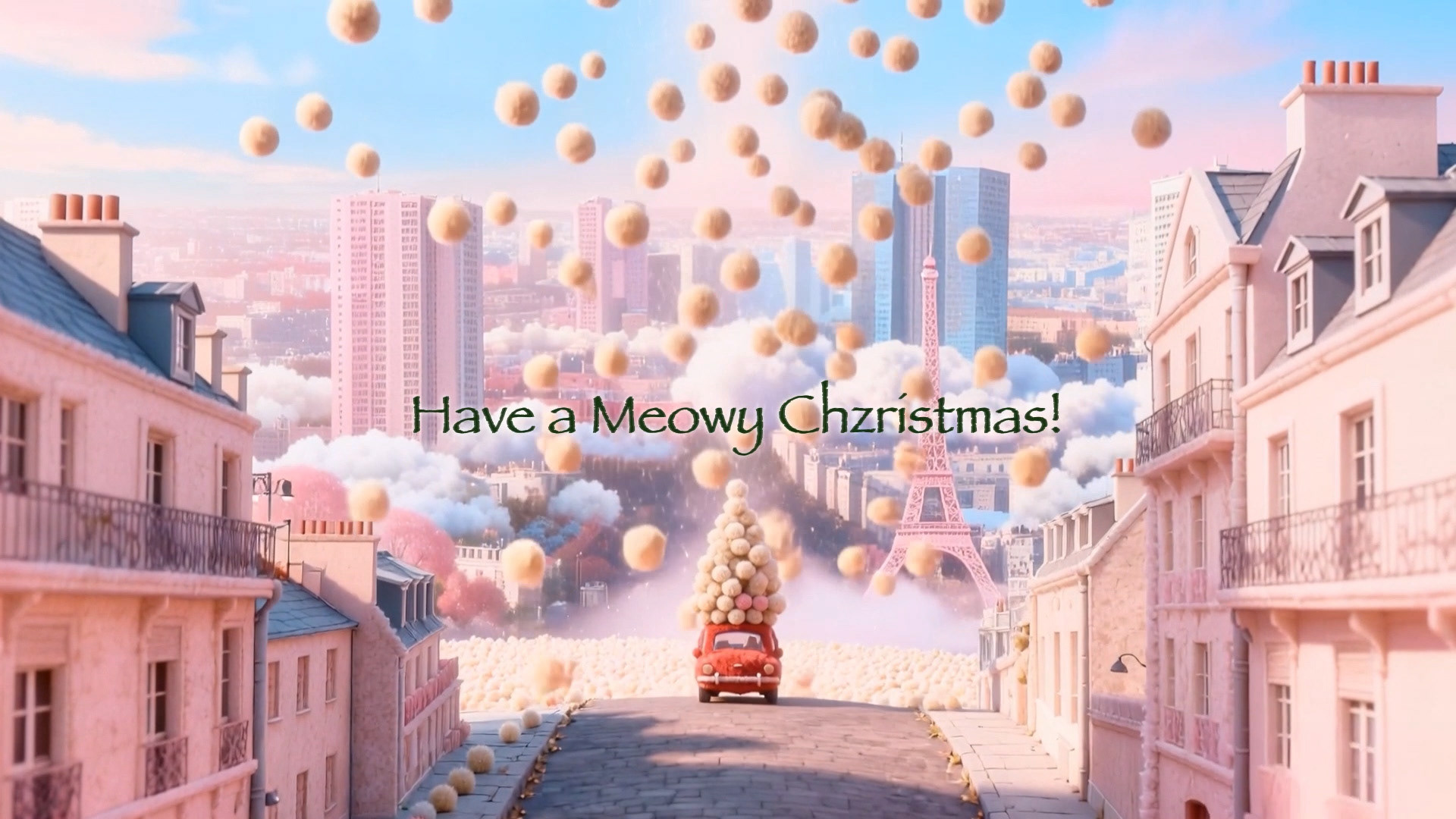
Every good design starts with a sketch. Before touching any AI, I drew rough storyboards to define the narrative arc: a journey of gift-giving through a soft, pastel world.
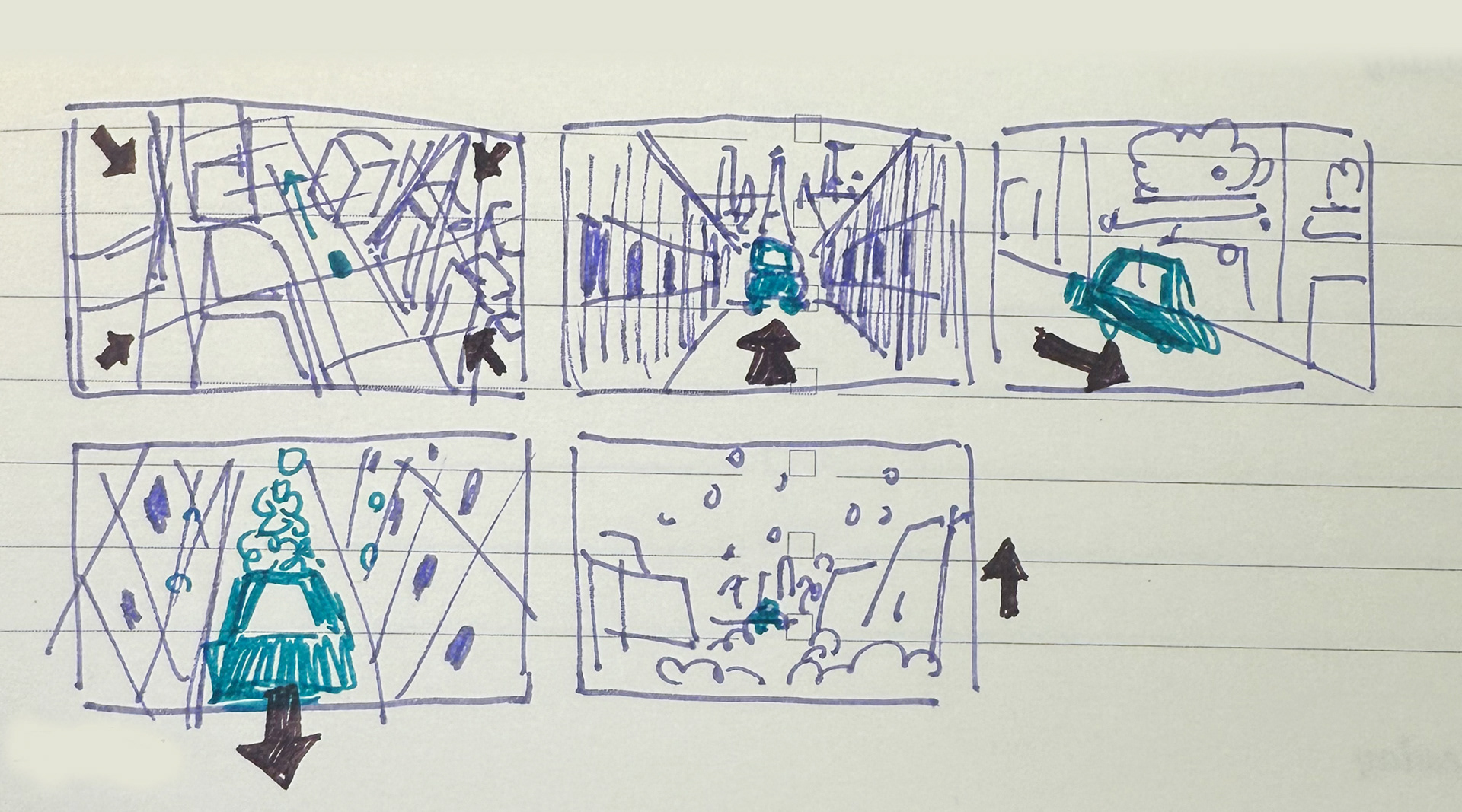
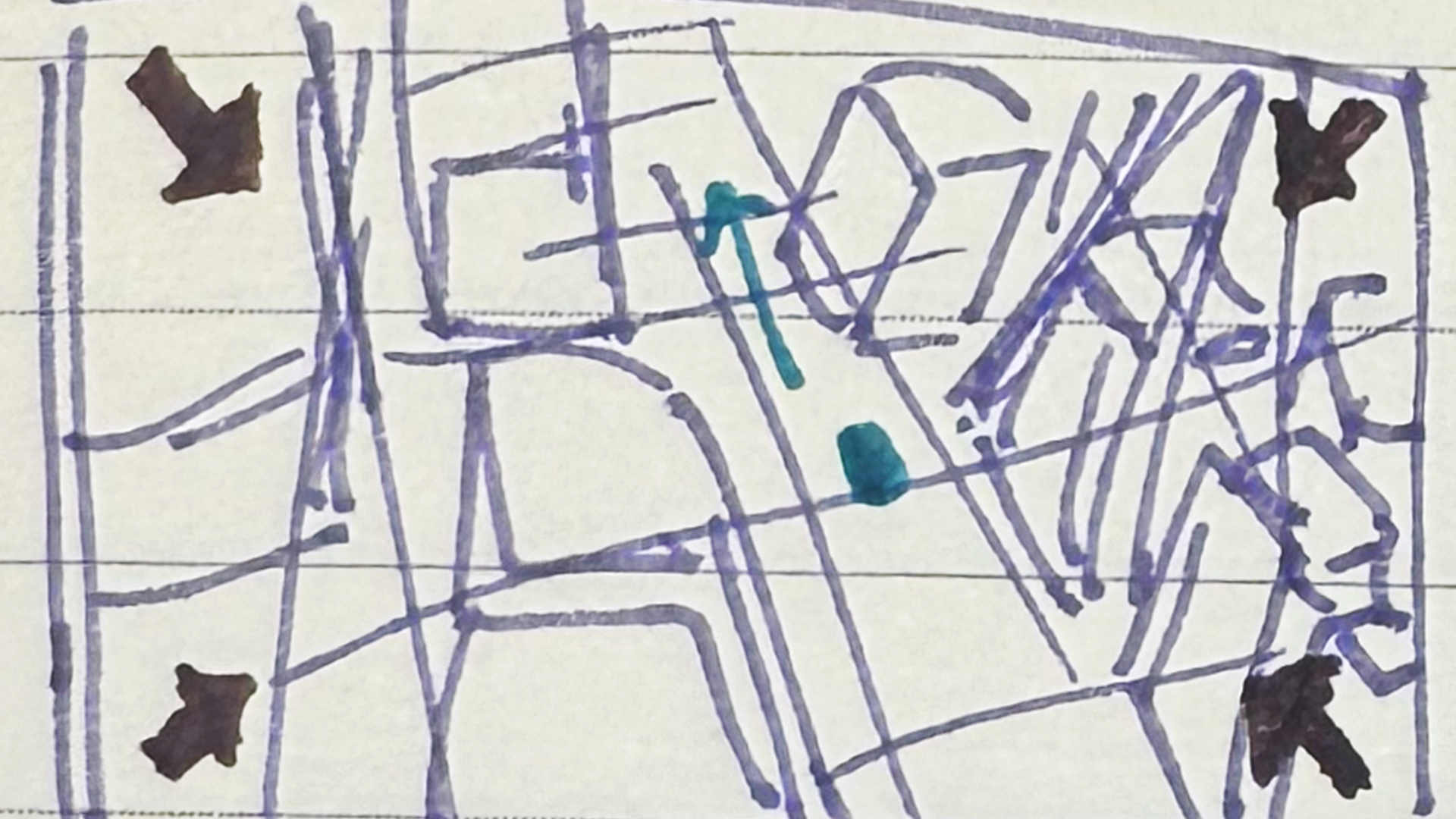

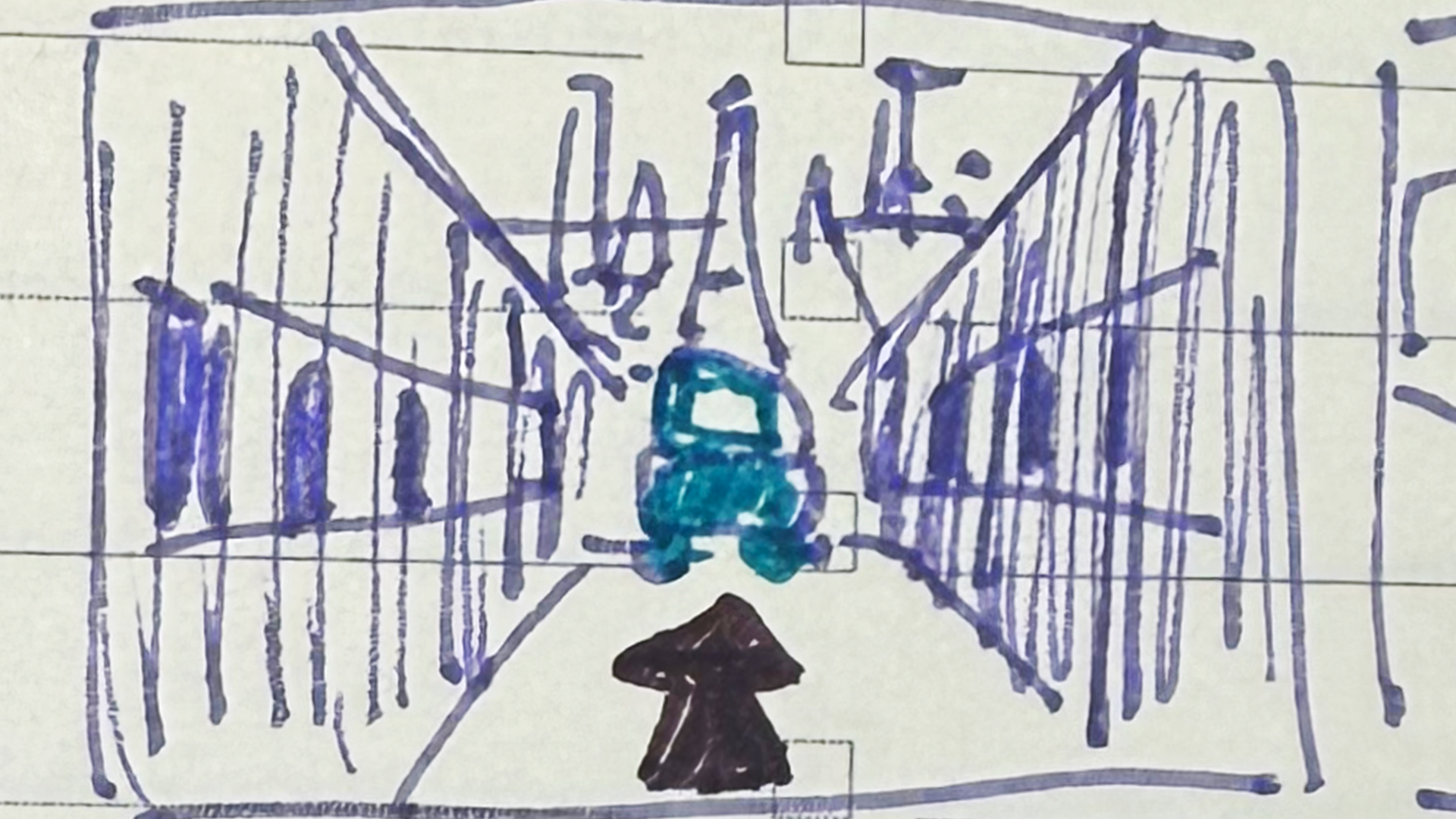
Step 2: Visual Exploration with Midjourney (The Texture)
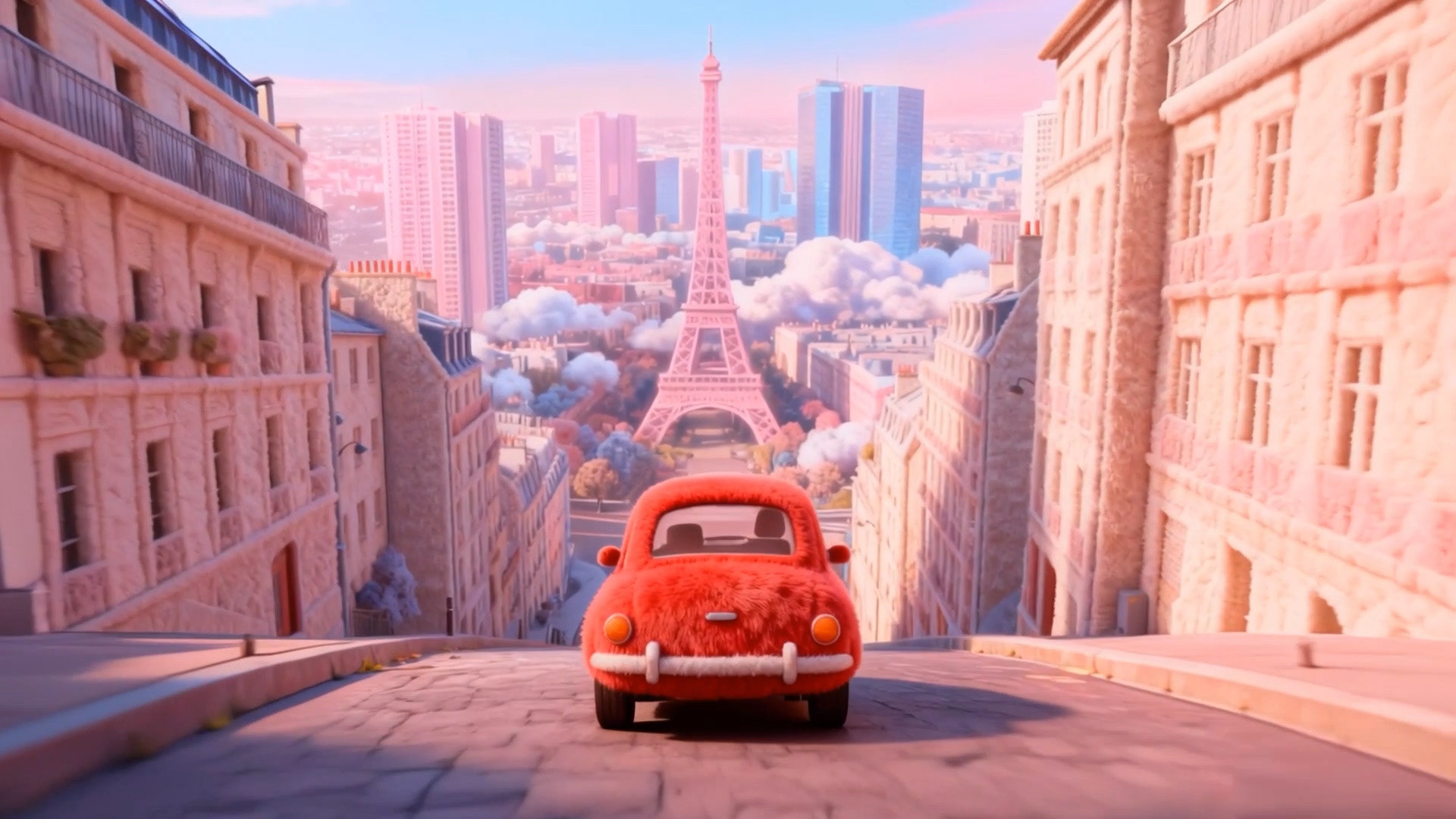
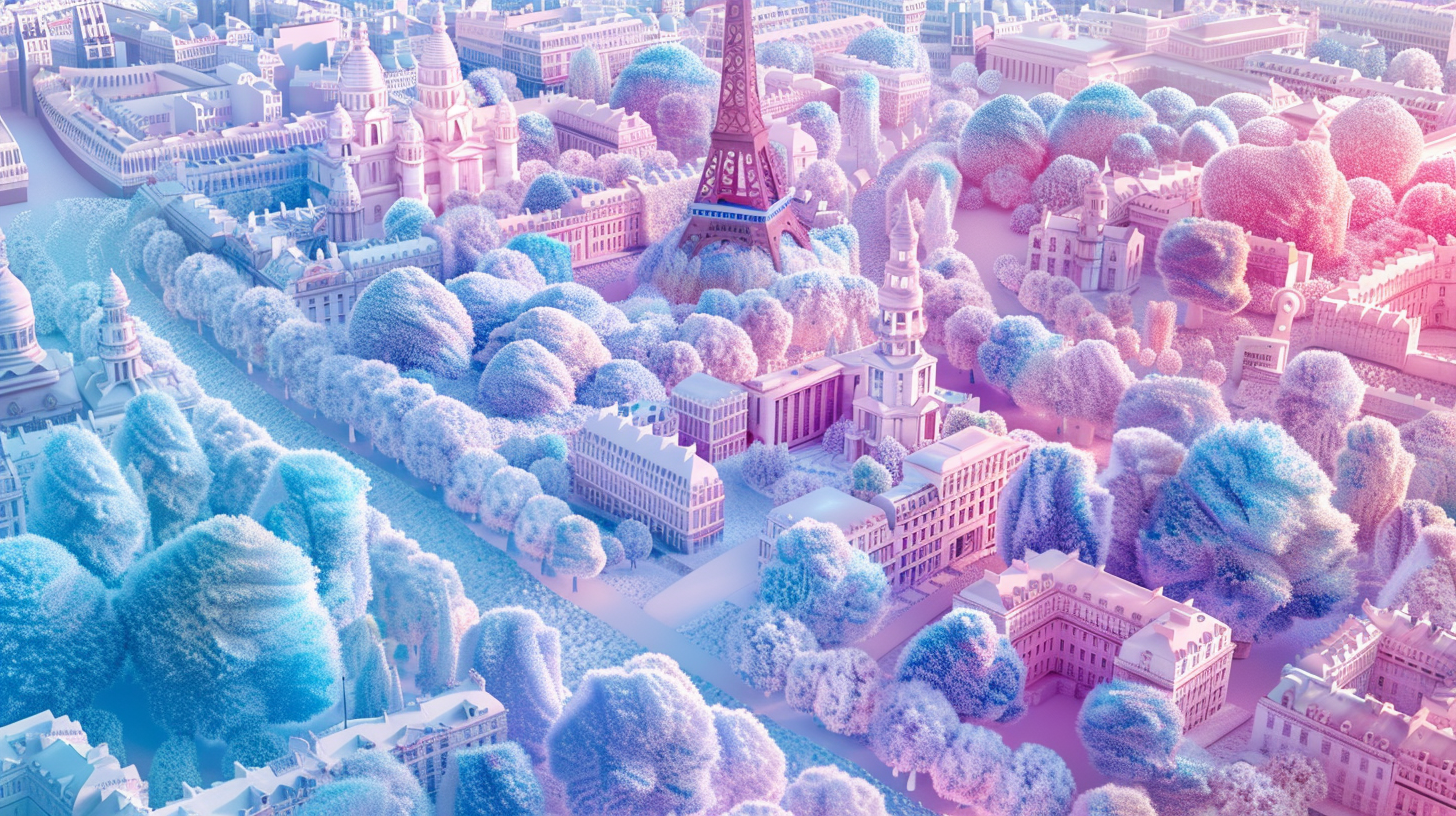
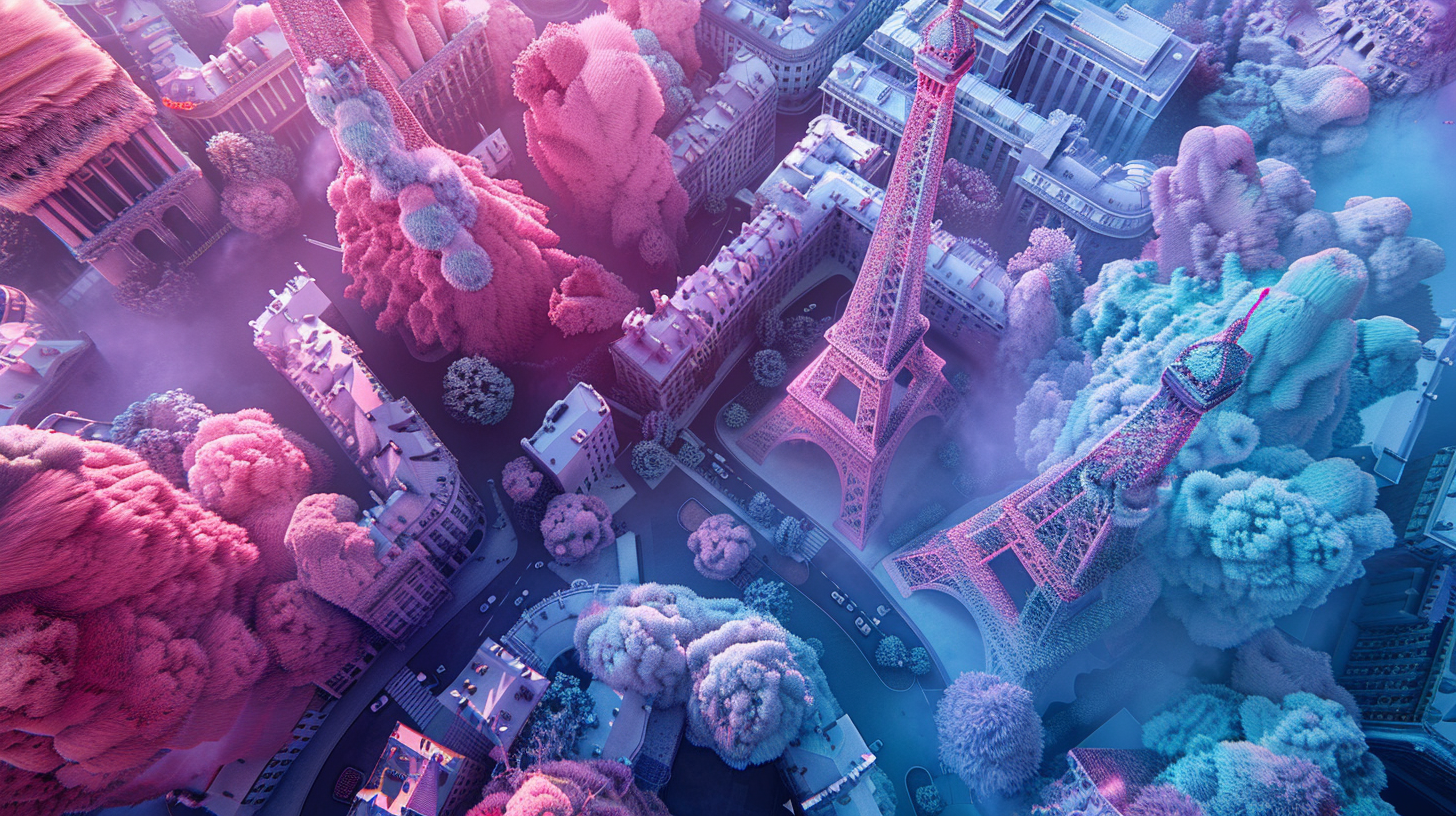
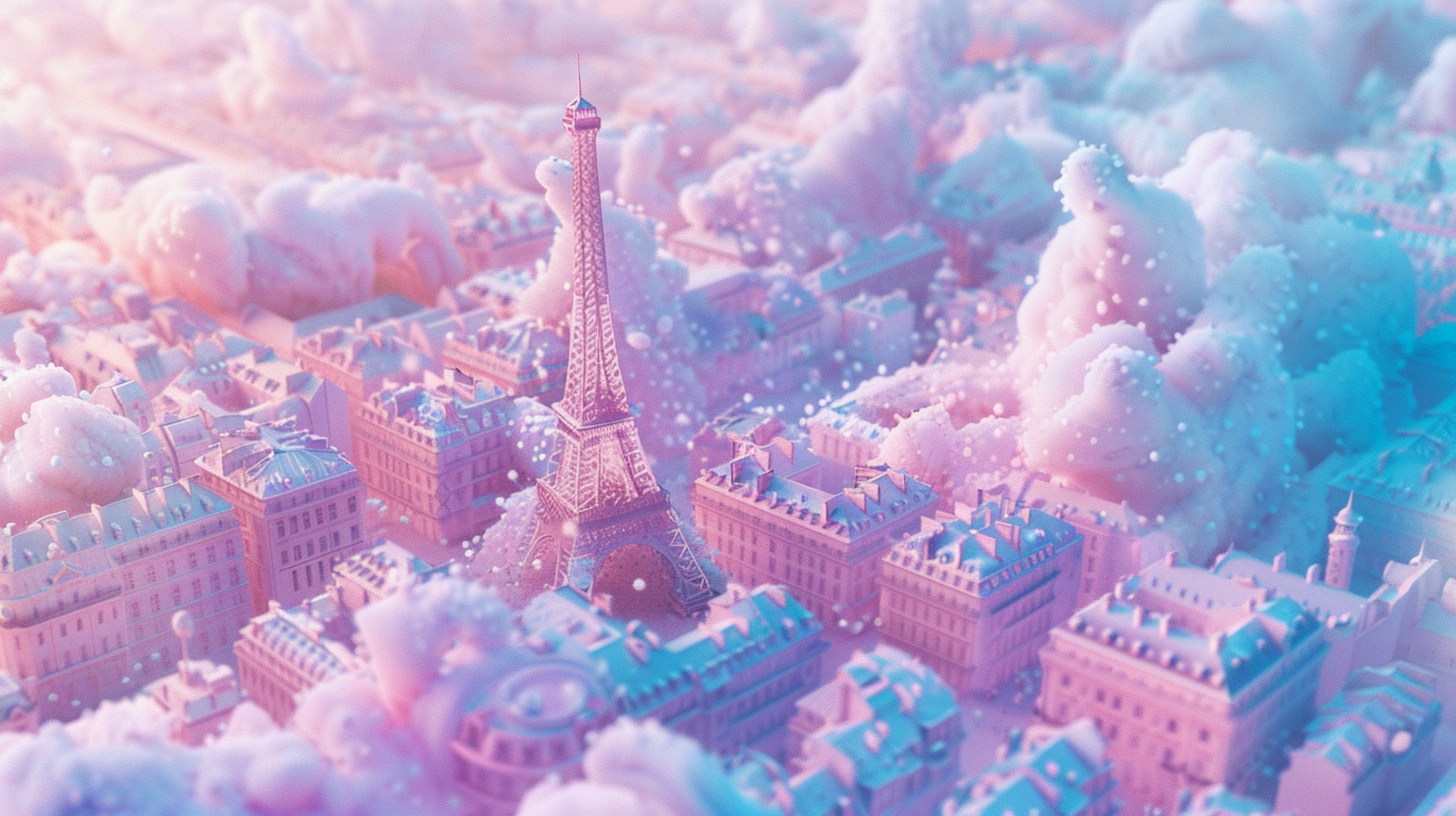
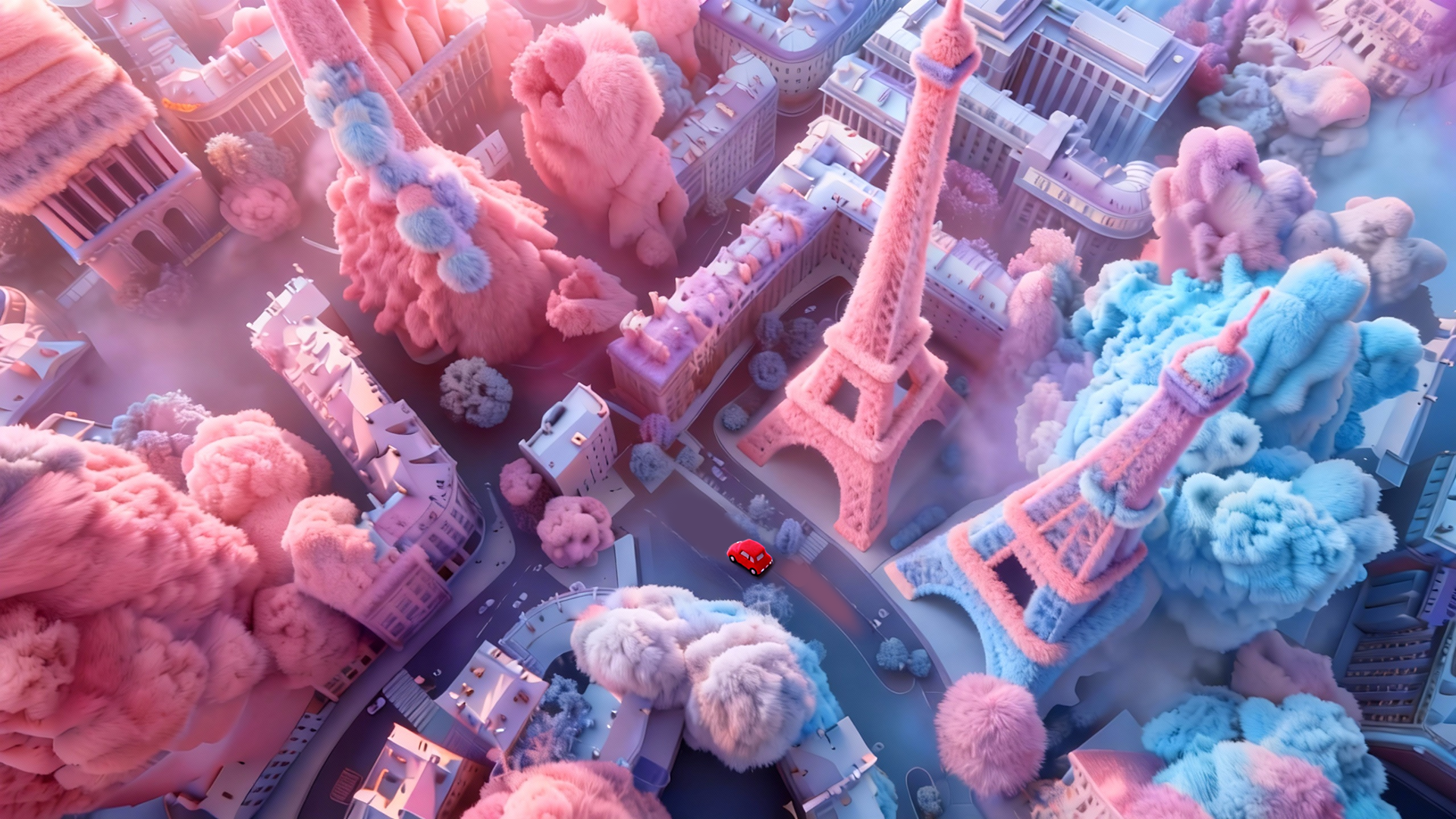
I needed a specific look: soft, tactile, and incredibly fluffy. I iterated through hundreds of images in Midjourney, locking down the "Fluffy 3D Texture" aesthetic and the color palette. This phase was crucial for setting the art direction.
Step 3: Precision Control with Jimeng & Photoshop (The Anchors)
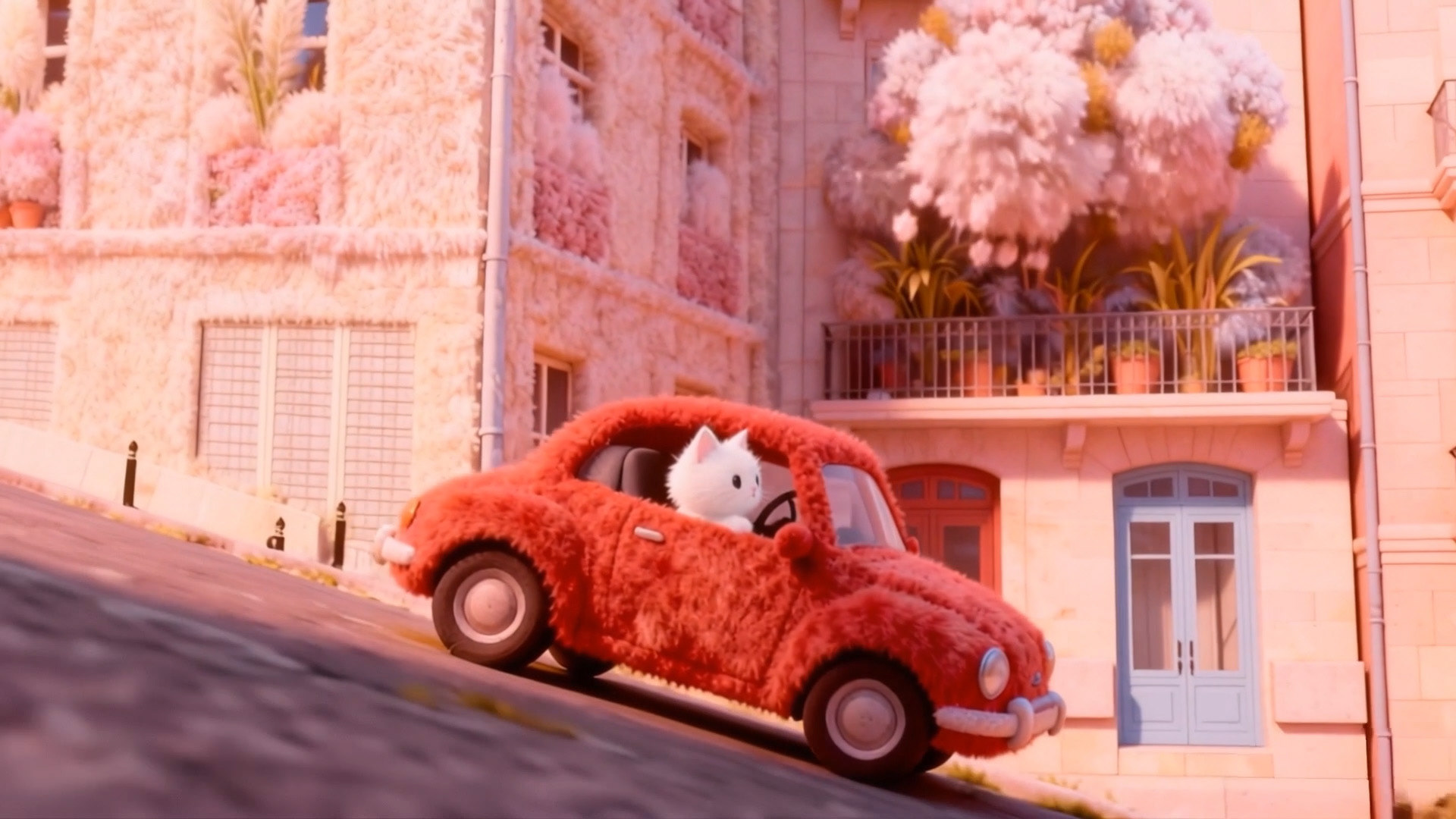
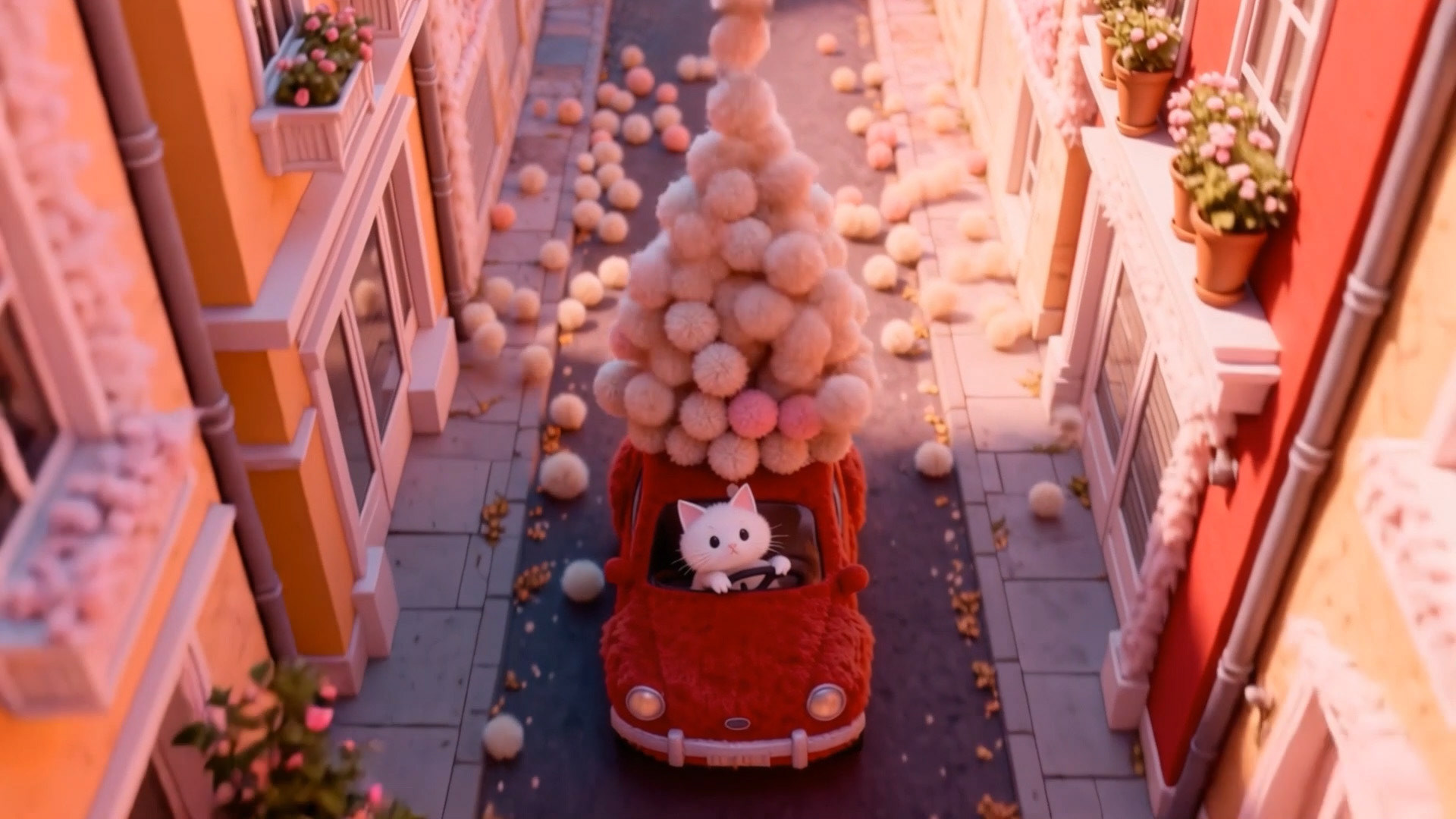
To prevent the AI hallucination common in video generation, I didn't just prompt and hope. I used Jimeng and Photoshop to rigorously craft the Start and End Frames for each shot.
Designer's Insight: I manually retouched details in PS to ensure the cat's character consistency across different angles.
Step 4: Animation Generation with Kling AI (The Engine)
This was the most intensive phase. Using Kling AI, I breathed life into the static frames.
The Challenge: Prompt Engineering. The biggest time-sink was tweaking prompts to control the physics of the "fluff" and the movement of the car. It required constant trial and error to get the physics just right.

Fail: The Hairballs VS Success: The Purr-fection
Step 5: Post-Production in After Effects (The Unifier)
Raw AI video often flickers or changes tone. I brought all clips into After Effects for the "Human Touch":
Time Remapping: Adjusting the rhythm of the animation.
Color Grading: Unifying the pink/pastel tones to match my initial vision.
Compositing: Fixing minor glitches to ensure a smooth visual experience.
Step 6: Sound Design with Suno (The Soul)
Finally, I used Suno to generate a custom track that matched the cute, bouncy vibe of the visuals, completing the sensory experience.
04. Conclusion
Redefining the Designer's Role This project wasn't just about making a cute video; it was about systematizing the AI workflow.
By combining the generative power of AI with the precise control of tools like Photoshop and After Effects, I was able to act less like a "draftsman" and more like a "director." The future of design isn't replacing humans; it's about humans mastering these new instruments to tell stories faster and more vividly than ever before.
Ready to create something amazing? Contact me!